
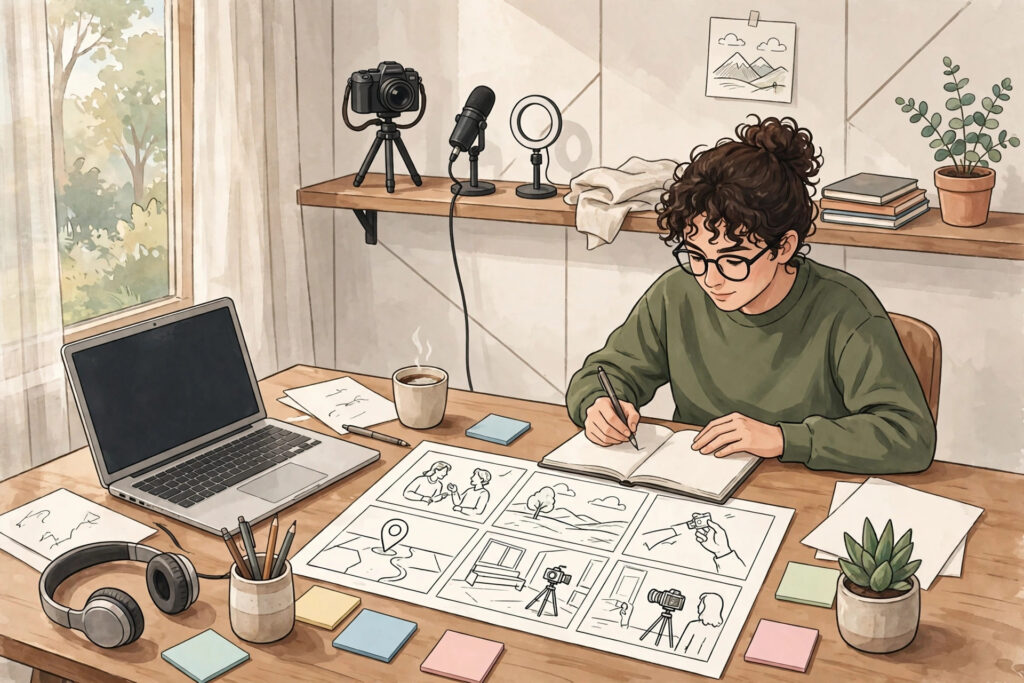
Many YouTube videos lose viewers in the first minute, not because the topic is weak, but because the video has no clear plan. The creator knows what they want to say, yet the viewer is left guessing where the video is going, why it matters, and whether it is worth staying for. A good script solves that problem before you press record. When you script a YouTube video that holds attention, you give every sentence a job: to earn the next few seconds of watch time.
Scripting does not mean sounding stiff or memorised. It means thinking through the viewer’s experience in advance. You decide what to say first, what to save for later, and what to leave out. The result is a video that feels focused, confident, and easy to follow, even when the topic is complex.
What a Good Script Actually Does
A script is not a transcript of everything you know. It is a guide for the viewer’s attention. A strong script does three things: it makes a clear promise, it delivers useful material in a logical order, and it removes anything that slows the viewer down. If a line does not help the viewer understand, decide, or take action, it is a candidate for cutting.
Think of your video from the viewer’s side. They clicked because something in the title or thumbnail spoke to a question or a goal. The script should answer that question in a satisfying way, without long detours. When viewers can feel the video moving forward, they are far more likely to keep watching.
Start With the Viewer’s Question, Not Your Introduction
Many videos begin with a long greeting, a channel introduction, and a request to subscribe. That opening asks the viewer to wait before getting value. A stronger opening starts with the problem or the outcome the viewer came for. Name the situation they recognise, then tell them what they will be able to do by the end of the video.
For example, you might open with the specific decision a viewer is facing, the mistake they want to avoid, or the result they want to reach. Then give a short preview of how the video will help. Keep this opening tight. A few clear sentences are usually enough. If you need to introduce yourself, do it after you have shown the viewer that the video is relevant to them.
A practical trick is to write your opening last. Draft the main points first, then return to the opening and ask: does this make the promise clear in the first few seconds? If not, rewrite it until it does. The opening should feel like a direct answer to the reason someone clicked.
Build a Simple Structure That Carries the Viewer Forward
Viewers stay longer when they can sense a structure. A simple structure that works for many videos is: hook, promise, main points in order, and a clear ending. Each main point should build on the one before it, so the video feels like progress rather than a list of disconnected tips.
Within each section, follow a small pattern: state the idea, explain it in plain language, give an example, and show how to apply it. Examples are especially important. A general tip becomes much easier to use when the viewer can picture it in a real video. When you move to the next section, use a short bridge sentence that tells the viewer why the next idea matters. Bridges prevent the video from feeling choppy and help the viewer stay oriented.
It also helps to plan where you will place your most valuable point. If everything important is saved for the final minute, many viewers will leave before they reach it. Spread useful material through the video, and let each section deliver something the viewer can use right away.
Write for the Ear, Not for the Page
Spoken language is different from written language. Long sentences that look fine on paper can be hard to follow when spoken aloud. When you write your script, use shorter sentences, everyday words, and a conversational tone. Read each paragraph aloud as you draft it. If you stumble, the sentence is probably too long or too complicated. Rewrite it until it sounds natural.
Write the way you actually talk, with small pauses and clear transitions. You can use contractions, direct questions, and second-person language: ask the viewer what they would do, invite them to compare options, or point out a common pitfall. This keeps the video feeling like a conversation rather than a lecture.
Another useful habit is to mark places where your voice, pace, or visuals should change. A note such as “pause here” or “show an example on screen” can help you deliver the script with energy. These delivery notes are not part of what the viewer hears, but they shape how the video feels.
Use Open Loops and Payoffs to Hold Attention
An open loop is a question or a promise that you raise early and answer later. For example, you might say that one common mistake causes many creators to lose viewers, and that you will explain it after the next point. Used sparingly, this technique gives viewers a reason to keep watching. The key is to actually deliver the payoff. If you tease too many ideas and never return to them, viewers will stop trusting the video.
Payoffs work best when they are specific. Instead of saying “stay tuned for a great tip,” tell the viewer what kind of tip is coming and why it matters. A clear payoff sounds like: “Next, I will show you a simple way to rewrite your opening so viewers know within seconds what they will get.” That gives the viewer a concrete reason to stay.
You can also create smaller loops inside each section. End a section with a short line that connects to the next idea, rather than simply stopping. These small connections make the video feel continuous and help viewers follow your reasoning.
Cut Ruthlessly and Keep the Pace Moving
One of the most practical scripting skills is cutting. After your first draft, read it again and look for repetition, long background stories, and side points that do not serve the promise. Many scripts improve when the creator removes the weakest third of the material and strengthens what remains. A shorter, clearer video often holds attention better than a long video that repeats itself.
Pace is not only about speed. It is about variety. Alternate explanation with examples, questions, and on-screen demonstrations. If a section is heavy with explanation, follow it with a concrete example. If you have several similar tips in a row, break them up with a short summary or a check-in question that helps the viewer apply what they have heard.
Transitions matter too. Instead of jumping between topics, use a sentence that signals the shift: “Now that you have the structure, let us look at how to write the words themselves.” That one sentence helps the viewer stay with you instead of wondering how the new topic connects to the last one.
Plan Your Visuals and Examples as You Script
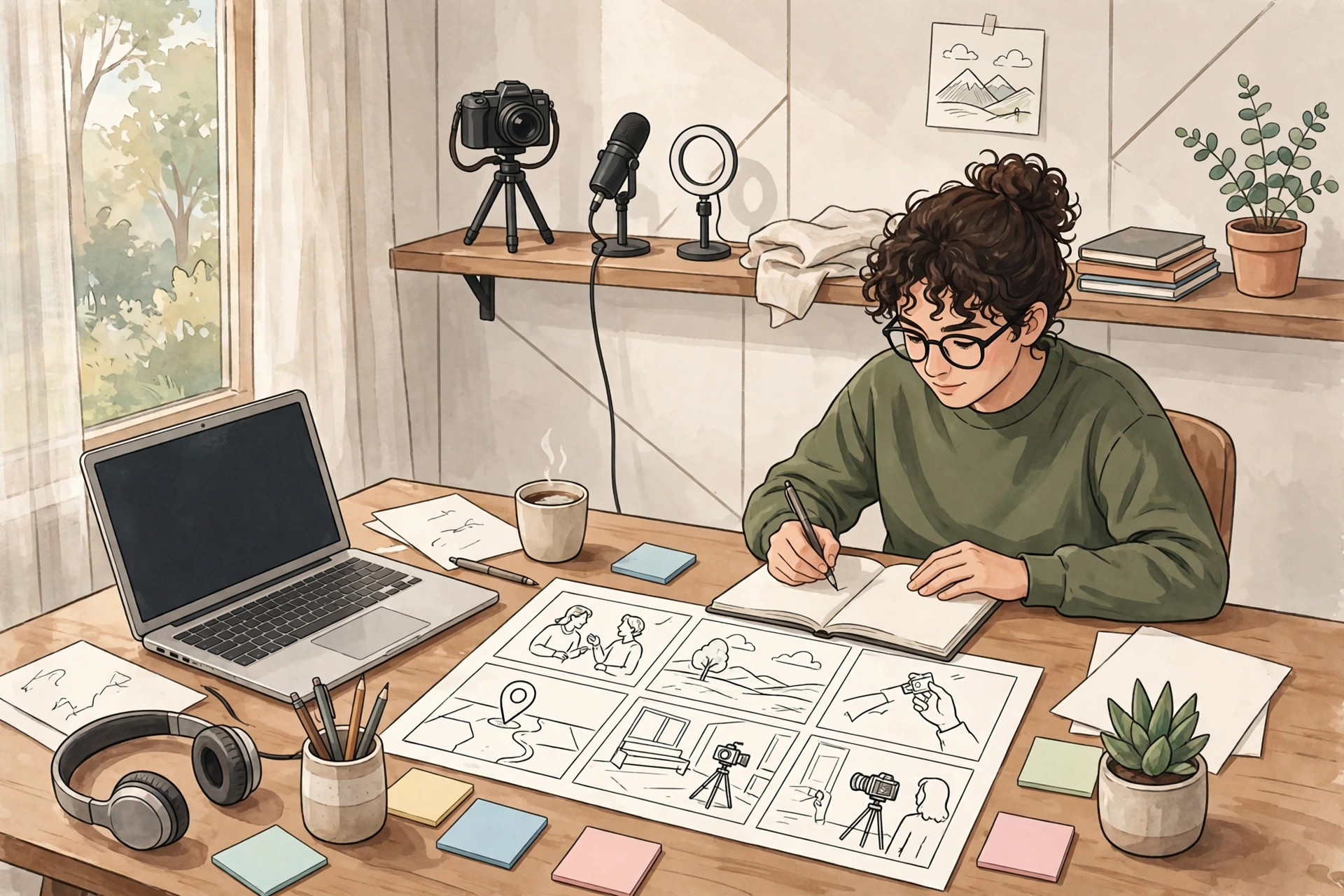
Viewers do not only listen; they watch. When you script, note where a visual, an on-screen example, or a simple demonstration would make the idea clearer. A viewer who can see the idea is more likely to remember it. You do not need complex editing. A clear screen recording, a short example clip, or a simple on-screen list can be enough.
Think about places where the viewer might get lost. If you are explaining a process, show the steps. If you are comparing options, show them side by side. If you are warning about a mistake, show what it looks like and what to do instead. These visual notes will make recording and editing much easier, because you will know in advance what footage or graphics you need.
A Simple Scripting Workflow You Can Repeat
You do not need a complicated system to script well. A repeatable workflow helps you stay consistent without spending hours on every video. Start with one sentence that states the viewer’s goal and the promise of the video. Then list the three to five main points that will deliver on that promise, in the order a beginner would need them.
Next, write a short opening that names the viewer’s situation and previews the outcome. Draft each main point using the pattern of idea, explanation, example, and application. Add bridges between sections and a closing that summarises the key steps. Finally, read the whole script aloud, cut anything that feels slow, and check that the opening, the sections, and the ending all point to the same promise.
Over time, this workflow becomes faster. You will start to notice which openings work for your audience, which examples land well, and which sections need more explanation. Keep notes on what viewers respond to in comments, and use those observations to improve your next script.
Frequently Asked Questions
Do I need to write my script word for word?
Not always. Some creators prefer a detailed outline with key sentences written out, while others prefer a full script. If you tend to ramble, lose your place, or forget key points, a full script can help. If you sound stiff when reading, try writing bullet points plus the exact wording for your opening, your transitions, and your closing. Those are the moments where clarity matters most.
How long should a YouTube script be?
There is no single ideal length. The script should be as long as it needs to be to deliver the promise clearly, and no longer. A focused video with a clear structure will usually hold attention better than a longer video that repeats the same ideas. When you finish a draft, check whether each section earns its place. If a section does not help the viewer, shorten it or remove it.
What if my script sounds robotic when I read it?
Read the script aloud several times before recording, and rewrite any sentence that does not sound like you. Use shorter sentences, natural pauses, and words you would use in conversation. It can also help to record in shorter sections rather than trying to deliver the whole script in one take. With practice, you will learn to follow the script while still sounding relaxed.
Should I script my call to action?
Yes, it helps to plan it. Decide in advance what you want the viewer to do next, and place that call to action where it fits naturally. A clear, specific next step is easier to follow than a general request. For example, you might invite viewers to try one technique from the video, or to explore a related guide on your site.
What to Do Next
For your next video, try scripting with a simple structure: a clear opening promise, three to five well-ordered points with examples, and a closing that tells the viewer what to do next. Read the script aloud, cut anything that slows it down, and note where visuals can make ideas clearer. Small improvements in your scripting will compound over time, because every video becomes easier to follow and easier to finish.
If you want help growing your channel with a clear content plan, explore our YouTube services, browse more practical guides in our YouTube articles, or contact us to discuss your channel. You can also see the full range of support we offer on our services page.