Many creators treat the Community Tab as an afterthought. They publish a video, share the link, and move on. Yet the Community Tab gives you a way to stay in touch with subscribers between uploads, learn what they want next, and keep your channel visible when you are not publishing a new video. Used well, it becomes a small, steady conversation that supports your larger content plan.
The Community Tab is not a replacement for videos. It is a companion to them. Short posts, polls, images, and updates can remind viewers why they subscribed, invite them to take part, and give new visitors a sense of what your channel is about. When you use it with a clear purpose, it helps your channel feel active and approachable, even on quiet weeks.
What the Community Tab Can Do for Your Channel
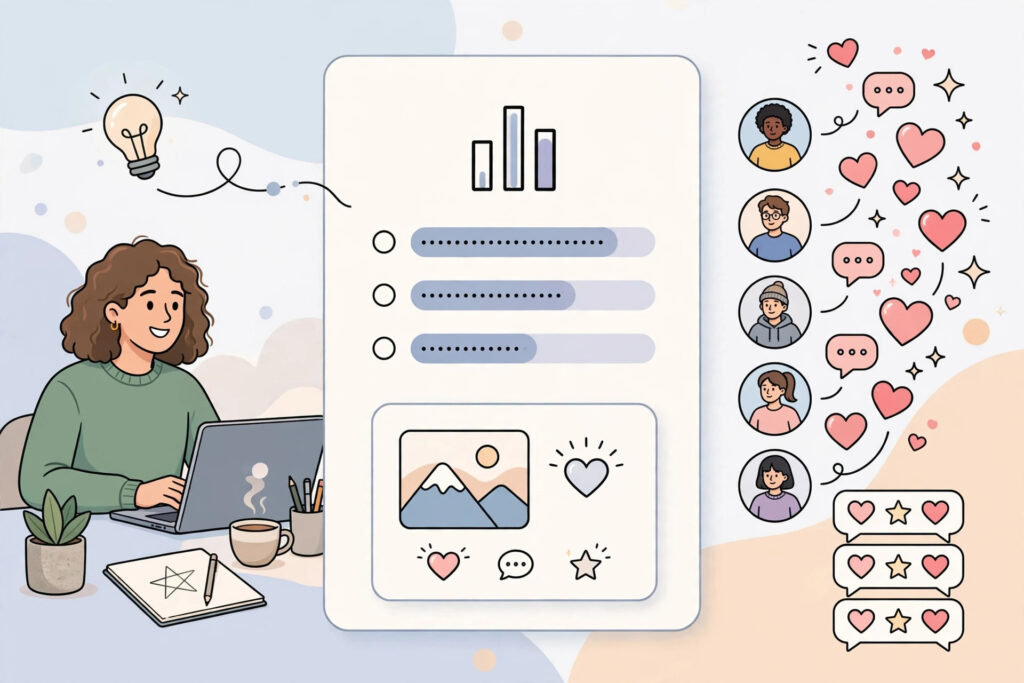
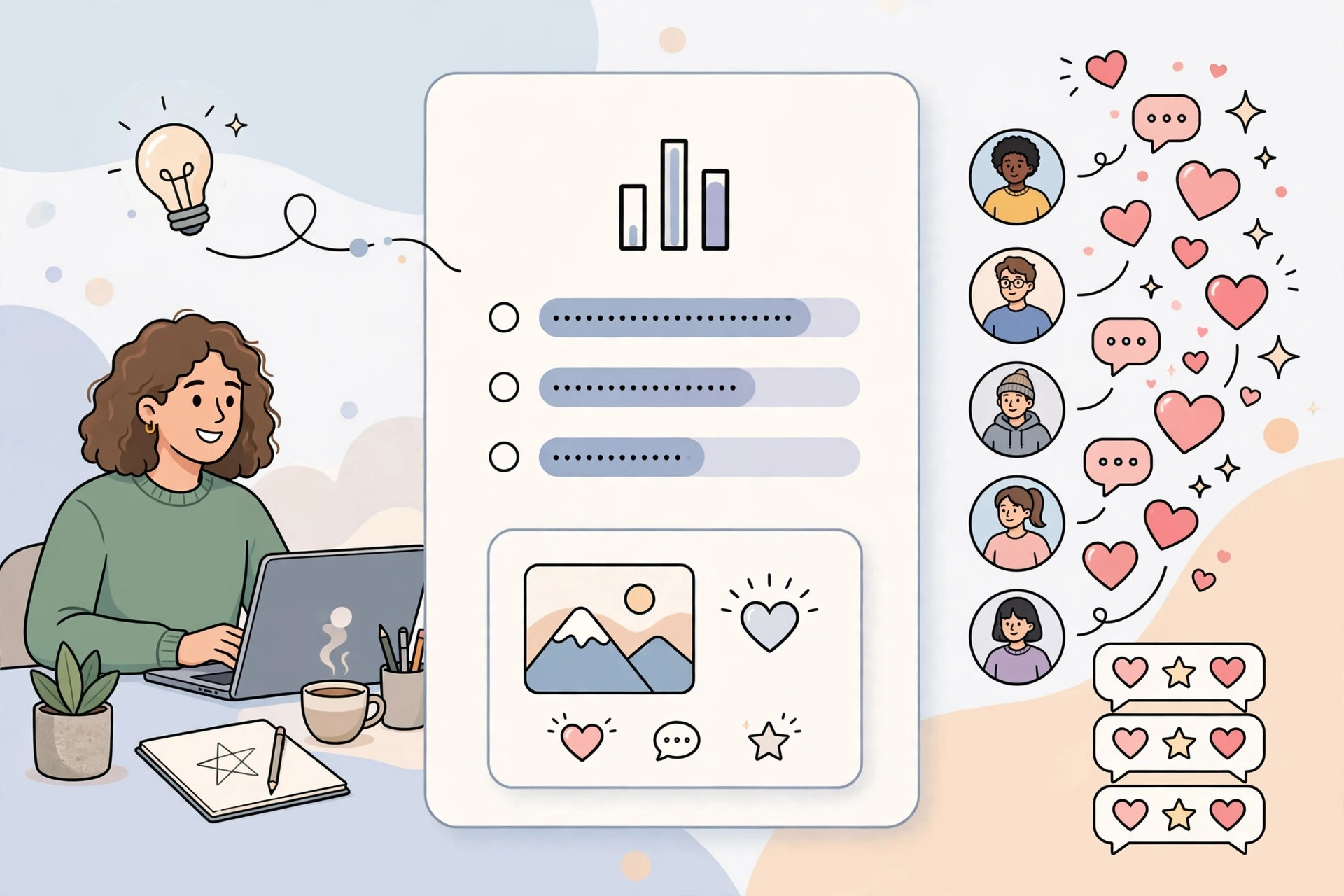
The Community Tab lets you post text, polls, images, and video links directly to your channel page and to subscribers’ feeds. Because these posts are shorter than a full video, they are easier to create regularly. That regularity matters. A channel that posts thoughtful updates between videos looks alive, and viewers are more likely to remember it when the next video appears.
Community posts can also help you understand your audience. A poll can reveal which topic viewers want next. A question can surface the problems they are trying to solve. A behind-the-scenes update can show the work behind a video and make the final result more meaningful. Over time, these small interactions build familiarity, and familiar channels are easier to return to.
Set a Simple Purpose Before You Post
Before you publish anything on the Community Tab, decide what each post is for. A useful way to think about it is to give each post one job: to inform, to ask, to entertain, or to invite. An informative post might share a tip related to your latest video. A question post might ask viewers to choose between two topics. An entertaining post might share a light moment from filming. An invitation post might point viewers to a video, a guide, or a resource.
When a post tries to do everything at once, it often does nothing well. Keep the message focused. One clear idea, one clear question, or one clear next step is usually enough. Viewers can respond quickly, and you can learn from their response without guessing what they were reacting to.
Use Polls to Learn What Your Audience Wants
Polls are one of the most practical tools on the Community Tab because they are quick for viewers to answer and easy for you to interpret. Use polls to test real decisions, not just to fill space. Ask which topic viewers want next, which format they prefer, or which problem they are facing right now. When viewers vote, they are telling you what to make next.
Keep poll options short, clear, and genuinely different from each other. Two to four options are usually enough. Avoid options that overlap so much that the result is hard to act on. After the poll closes, share what you learned and what you will do with it. For example, tell viewers that a topic won the vote and that you are planning a video about it. Closing the loop shows that voting matters, and viewers will be more willing to vote next time.
Share Updates That Add Value Between Videos
Between uploads, the Community Tab can carry small pieces of value that do not need a full video. You might share a short tip, a helpful reminder, a resource you found useful, or a lesson from a recent project. The key is to make the update useful on its own, even for someone who has not watched your latest video. A post that only says “new video coming soon” gives the viewer little reason to engage.
Think about what your audience needs in the gap between videos. If your channel teaches a skill, share a short practice idea. If your channel documents a process, share what changed since the last video. If your channel reviews tools or ideas, share a quick observation. These small posts keep the channel useful without requiring the same time and editing as a full upload.
Turn Comments Into Conversations
Community posts work best when they invite a reply. End posts with a specific question that is easy to answer. Instead of asking “What do you think?”, ask viewers to share one example, choose one option, or describe one challenge. Specific questions lower the effort needed to reply, and they produce answers you can actually learn from.
When viewers reply, respond in a way that continues the conversation. Acknowledge what they shared, ask a follow-up question, or note how their answer connects to an upcoming video. You do not need to reply to every comment in a long paragraph. Short, thoughtful replies are often enough. The goal is to make the Community Tab feel like a two-way space rather than a notice board.
Support Your Videos Without Repeating Them
Community posts can support a video, but they should not simply repeat it. Before a video goes live, you can use a post to ask a question that the video will answer, or to share the problem behind it. This helps viewers arrive with context and curiosity. After a video goes live, you can share a key takeaway, a correction, an extra example, or a follow-up question that extends the discussion.
It also helps to vary the format. If your last post was a poll, the next one might be a text update or an image. If you shared a tip last week, try a question this week. Variety keeps the feed from feeling repetitive and gives different kinds of viewers a way to engage. Some viewers prefer voting, others prefer commenting, and others prefer reading short updates.
Keep a Light, Consistent Rhythm
You do not need to post every day to benefit from the Community Tab. Consistency matters more than volume. Choose a rhythm you can maintain, such as one or two posts between videos, and keep it steady. A regular rhythm helps viewers know what to expect and makes the Community Tab part of your routine rather than a last-minute task.
It helps to plan community posts alongside your videos. When you plan a video, note one poll, one update, and one follow-up question that could go with it. That way, you are not starting from a blank page each time. You can also reuse themes from comments: if many viewers ask the same question, a community post is a good place to address it and point to a fuller answer.
Avoid Common Community Tab Mistakes
A few habits can weaken the Community Tab. Posting only links to videos can make the feed feel like advertising. Posting vague questions can lead to vague answers. Posting too often with little substance can train viewers to ignore the feed. And ignoring replies can make even good posts feel one-sided.
Another common mistake is treating the Community Tab as a place to chase attention rather than to serve the audience. Focus on posts that help viewers learn something, decide something, or share something. When posts are useful, engagement tends to follow naturally. When posts are only about promotion, viewers have little reason to respond.
Frequently Asked Questions
How often should I post on the Community Tab?
There is no single rule that fits every channel. A practical starting point is one or two thoughtful posts between videos, adjusted to your schedule. It is better to post less often with a clear purpose than to post every day with little to say. Watch how your audience responds, and keep the rhythm you can maintain without lowering the quality of your videos.
What should I post if I am a small channel?
Small channels can benefit from the same kinds of posts as larger ones: polls, questions, short tips, and honest updates. You do not need a large audience for a poll to be useful. Even a small number of replies can reveal what your most engaged viewers want. Treat early replies as valuable feedback, and respond to them personally.
Should every community post link to a video?
No. Some posts can stand on their own as a tip, a question, or an update. If every post is a link, viewers may start to skip the feed. Mix link posts with posts that offer value directly in the feed. When you do link to a video, explain what the viewer will get from it, rather than only announcing that it exists.
How do I know if my community posts are working?
Look for signs of useful interaction: votes on polls, thoughtful replies, questions from viewers, and ideas for future videos. You can also notice whether community posts help you plan content with more confidence. If a poll or a question produces clear answers, the post has done its job, even if the numbers are modest.
What to Do Next
For your next video, plan one poll, one update, and one follow-up question for the Community Tab. Keep each post focused on a single purpose, ask a specific question, and reply to the answers you receive. Over time, these small conversations will help you understand your audience better and keep your channel active between uploads.
If you want help growing your channel with a clear content plan, explore our YouTube services, browse more practical guides in our YouTube articles, or contact us to discuss your channel. You can also see the full range of support we offer on our services page.