
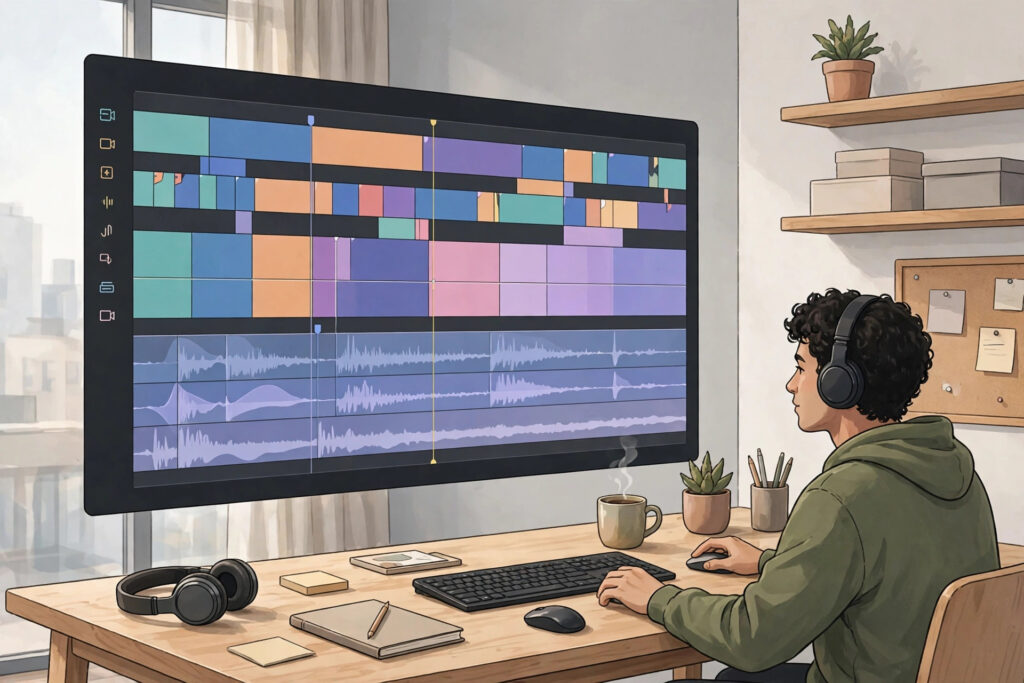
Watch time is the total amount of time viewers spend watching your videos, and editing has a direct effect on it. A well-shot video with weak editing loses viewers in the first minute. A simply shot video with tight, thoughtful editing keeps people watching to the end. The good news is that you do not need fancy effects or expensive software to edit well.
This guide covers the YouTube editing tricks watch time responds to, and each one works in any basic editor. They are small, practical changes to how you cut, pace, and polish a video — changes that make a real difference to how long viewers stay.
Cut the Dead Air and the Slow Start
Every second of silence, throat-clearing, or “so, um, let’s get into it” is a second in which a viewer can leave. Watch your first cut with fresh eyes and remove the pauses, false starts, and filler words that do not add anything. Most videos improve immediately when the first fifteen seconds get straight to the point.
A strong opening states the payoff: what the viewer will learn or see, and why it matters to them. Then deliver it. If your video takes a minute to get going, cut that minute. Viewers decide quickly whether to stay, so the opening should earn the rest of the video.
Use Pattern Interrupts to Reset Attention
Attention fades when the screen never changes. A pattern interrupt is any small change that wakes the viewer up: a cut to B-roll, a slight zoom, a new camera angle, a piece of on-screen text, or a screen recording. Used with purpose, these changes keep the video feeling alive without turning it into chaos.
Cut on action whenever you can. If you are reaching for an object, demonstrating a step, or moving to a new point, make the cut mid-movement rather than during a pause. The edit becomes invisible, and the viewer stays inside the flow of the video instead of noticing the edit.
Keep the Story Moving With J-Cuts and L-Cuts
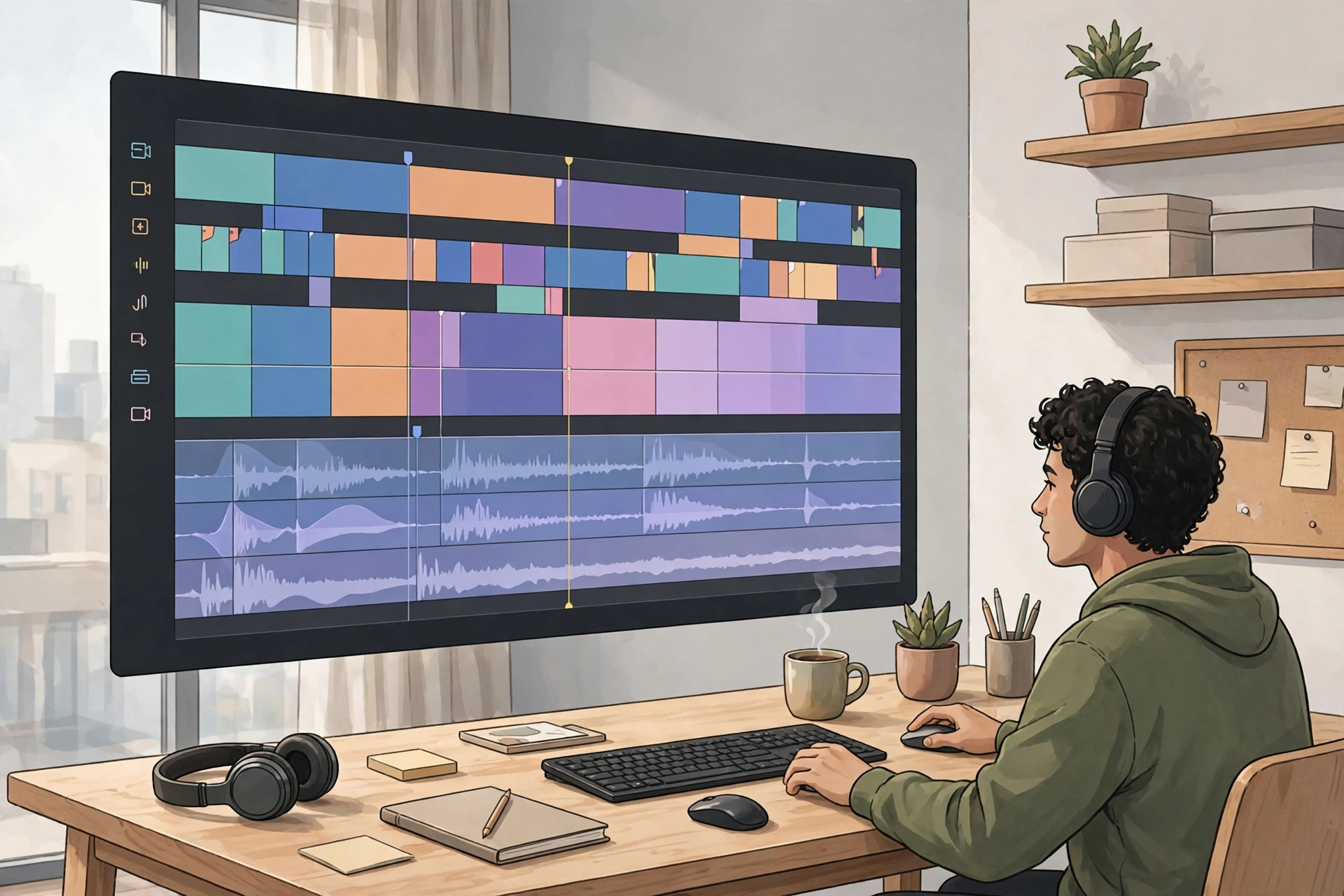
Two of the most useful edits in video are the J-cut and the L-cut. In a J-cut, the audio of the next scene starts before the picture changes, so the viewer hears what is coming. In an L-cut, the audio of the current scene continues briefly over the next shot. Both techniques smooth the joins between scenes and stop the video from feeling like a series of disconnected clips.
Most editors support these cuts with a simple trim of the audio track. Use them when you move between a talking segment and a demonstration, or between two locations. The result is a video that flows like a conversation instead of a slideshow.
Make Every Word Count: Captions, Text, and Graphics
Many people watch with the sound off, at least at first. Captions let them follow the video anyway, and on-screen text highlights the points worth remembering. Add short text labels for key steps, names, and numbers instead of leaving everything to the voiceover. Keep each label on screen long enough to read, and use one clear, readable style throughout the video.
Do not overload the screen. One idea per graphic, and graphics that support what you are saying rather than repeating it word for word, work best. If a section looks busy when you watch it back, remove an element rather than adding another.
Pace With Music and Sound Design
Music sets the pace of a video. A quiet track under your voice adds energy to a slow section, and dropping the music out entirely can give an important point room to land. Keep music well below your voice, and change or fade it when the video moves to a new section so the shift feels intentional.
Use sound effects sparingly — a soft click for a graphic, a whoosh for a transition — and check your levels on speakers and headphones before you publish. Make sure you have the rights to any music you use, and keep the overall mix comfortable: no sudden loud moments, no passages where the voice disappears under the track.
End Strong: Loop the Viewer to the Next Video
Watch time does not stop at the end of one video. A clean ending with a clear next step keeps viewers on your channel. Cut the trailing “uh, so yeah, that’s it” moments, finish on the main takeaway, and point viewers to a related video. End screens and a short verbal recommendation work together: one shows the next video, the other tells the viewer why it is worth watching.
Keep the outro short. A five- to ten-second close with the next video on screen is plenty. Long goodbyes give viewers a reason to click away before they ever see the recommendation.
A Simple Editing Checklist
- The first fifteen seconds state the payoff clearly.
- Pauses, filler words, and false starts are cut.
- The picture changes with purpose every few seconds.
- Captions and on-screen text support the key points.
- Music sits below the voice and never drowns it out.
- The ending is short and points to one next video.
Frequently Asked Questions
How much should I cut from a video?
Cut anything that does not serve the viewer: repeated points, long pauses, tangents, and throat-clearing. Many first cuts lose a fifth of their length without losing a single idea. If a section feels slow when you watch it back, it will feel slow to your audience too.
Do I need expensive software for these tricks?
No. Every trick in this guide — tight cuts, J-cuts and L-cuts, captions, text overlays, and music mixing — is available in free or low-cost editors. Skill matters far more than the tool.
Do captions really help watch time?
They help viewers who watch without sound, viewers who are not native speakers of the video’s language, and anyone who wants to follow along in a noisy place. Accurate captions make a video accessible to a wider audience, which gives it more chances to be watched.
How do I know if my editing is working?
Look at your audience retention graph in YouTube Studio. If viewers drop off at the same point in several videos, that moment usually needs a cut, an example, or a pattern interrupt. If retention holds steady through a section, the editing there is doing its job.
Should I edit differently for Shorts and long videos?
The principles are the same — tight cuts, clear payoff, no dead air — but the pace changes. Shorts need a faster rhythm and an immediate hook, while long videos can give ideas more room. Keep the same habits in both formats and adjust the speed to the length.
What to Do Next
Pick one published video and re-edit its first minute: cut the slow start, add one pattern interrupt, and check the captions. Then apply the same checklist to your next upload from the start. Small edits, repeated on every video, add up to a channel people stay with.
If you want more hands-on help growing your channel, explore the YouTube services at Creators Panda, browse more guides in the YouTube articles archive, or look at the full range of services. If you have questions about your channel, you can also contact us and we will point you in the right direction.