
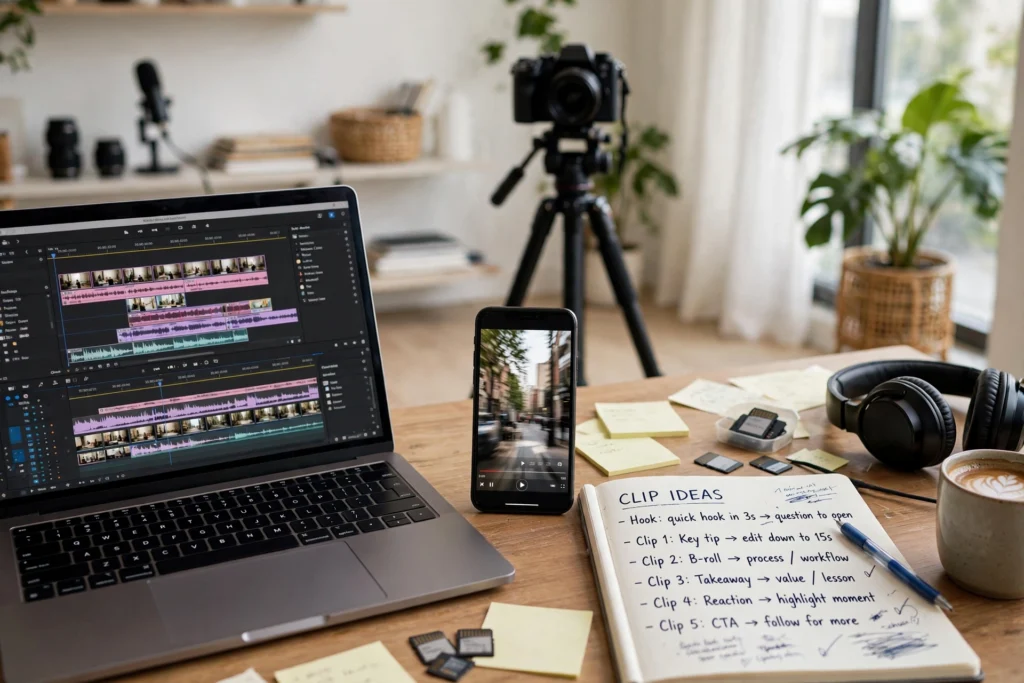
You already did the hardest part when you filmed a video. You chose a topic, planned the points, set up the camera, recorded, and edited. That work deserves more than one upload and one day of attention. Repurposing means taking the useful moments from a video you already made and shaping them into new pieces for other formats. One strong video can become a week of content without forcing you to start from zero every day.
Repurposing is not about posting the same clip everywhere unchanged. Each platform and format has its own rhythm, and each piece should deliver value on its own. This guide explains why repurposing works, how to break a video into its best moments, and how to turn those moments into Shorts, written posts, carousels, and stories. It ends with a sample week from one video and a few honesty rules to keep your content trustworthy.
Why Repurposing Works
Most viewers will not see every piece you publish. Some people prefer short videos, some prefer reading, and some only check stories. When you share one idea in several formats, you give different people a way to find it in the form they enjoy. You also give the same idea more than one chance to reach people, without needing a new idea every time.
Repurposing also saves energy. New ideas take time to research, script, and film. Repurposed pieces start from material you already trust. You know the lesson is clear because you already shaped it once. Your job is to reshape it, not reinvent it. That makes it easier to stay consistent, especially in weeks when filming a full video feels too heavy. A creator who repurposes well often looks more active than a creator who films constantly, because the work is spread more wisely.
Break the Video Into Its Best Moments
Start by watching your video once with a notebook nearby. Mark the moments that feel strongest: a clear tip, a short story, a common mistake, a surprising point, a simple step, or a line that sums up the lesson. Most videos contain three to five moments that can stand alone. Those moments are your raw material.
For each moment, write one sentence about what the viewer learns from it. If you cannot explain the value in one sentence, the moment may need more context or may not work alone. Keep only the moments that pass this test. You do not need to use every minute of the video. A few strong moments, handled well, will serve you better than ten weak clips that confuse viewers.
Turn Moments Into Shorts and Clips
Short-form video is the most natural first step. Take one moment and turn it into a Short, a Reel, or a short clip that makes sense without the full video. The clip needs its own beginning, middle, and end. Start with the point or the question, give the key detail, and end with a clear takeaway. Do not assume viewers watched the original.
Keep the clip focused. One moment means one lesson. If you try to fit three tips into thirty seconds, viewers will remember none of them. Use captions that are easy to read, and use a title or opening line that states the benefit plainly. You can record a short new intro if the original moment starts mid-thought. A few seconds of fresh context often makes an older clip feel clear and new.
Turn Lessons Into Written Posts
Not every viewer wants to watch. Some people prefer to read a post at their own pace. Take one lesson from your video and turn it into a short written post for a community tab, social post, or blog-style update. Start with the problem, explain the lesson in a few plain sentences, and end with one action the reader can try.
Written posts also help you reach people who missed the video. Keep the language simple and direct. Avoid copying the full transcript. Instead, rewrite the lesson for reading. A transcript often feels long and spoken. A written post should feel tight and skimmable. If the video had steps, list them in order. If it had a mistake to avoid, name the mistake and the better choice. One clear lesson per post is enough.
Turn the Video Into a Carousel or Checklist
If your video explains steps, a framework, or a list, it can become a carousel or a checklist. Each slide or line should carry one idea. The first slide should state the topic and the benefit. The middle slides should walk through the steps in order. The last slide should give a simple next step or a question that invites reflection.
Carousels work well because they are easy to save and revisit. Keep the text short on each slide. Use plain words and a consistent layout. A checklist works the same way. Turn the video’s main points into actions a reader can tick off. For example, a planning video might become a checklist for choosing topics, setting a filming date, and preparing a thumbnail. The goal is not to repeat the video. The goal is to give the viewer a tool they can use.
Stories and Behind the Scenes
Stories are a lighter way to extend a video’s life. You can share a short behind-the-scenes moment from filming, a lesson you learned while editing, a question the video raised, or a poll asking viewers which tip helped them most. Stories do not need to be polished. They should feel human and current.
Behind-the-scenes content also helps viewers connect with the work behind the video. You might share your setup, your notes, a blooper that taught you something, or a short reflection on what you would do differently next time. Keep it honest and brief. A single story that adds context is more useful than several stories that repeat the video. Stories can also invite replies. A simple question at the end often starts more conversation than a long explanation.
A Sample Week From One Video
Here is one simple way to spread one video across a week. On day one, publish the full video. On day two, post a Short built from the strongest moment. On day three, share a written post that explains a second lesson in plain words. On day four, post a carousel or checklist based on the video’s steps. On day five, share a second Short from a different moment. On day six, post a story with a behind-the-scenes note or a question. On day seven, rest or answer comments, and let the week’s pieces keep working.
Adjust the order to fit your platforms and your energy. You do not need to publish every day. The point is to plan the week from one source, so you are not inventing new ideas daily. Keep a simple list of which moment became which piece, so you do not repeat the same clip twice by accident. After a few weeks, you will learn which formats your audience enjoys most, and you can spend more time on those.
Honesty Rules for Repurposing
Repurposing works best when each piece is honest and useful on its own. First, every piece must deliver value without forcing viewers to watch the original. A clip that only says watch the full video is not a piece of content. It is an advertisement. Give the lesson, then invite viewers to learn more if they want to.
Second, adapt each piece to its format. A vertical clip needs a different opening than a long video. A written post needs tighter language than a transcript. A carousel needs one idea per slide. Copying the same text everywhere usually serves no format well. Third, never mislead. Do not use a title, thumbnail, or opening line that promises something the piece does not deliver. Do not present an old clip as a new event. If you reuse a moment, it is fine to say it comes from a recent video. Trust grows when viewers feel they get what they expected.
Frequently Asked Questions
How many pieces can I make from one video?
Most videos can become three to six useful pieces, depending on length and topic. Start with two or three: one Short, one written post, and one carousel or checklist. Add more only if each piece has a clear lesson of its own.
Will repurposing annoy viewers who see the same idea twice?
Not if each piece adds value in its own format. Different people see different formats, and even the same viewer may appreciate a reminder in a new form. Avoid posting identical clips back to back, and make sure each piece stands alone.
Do I need to film extra content to repurpose?
No. You can start with moments already in the video. A short new intro or a fresh caption is often enough to make a clip clear. Extra filming is optional, not required.
How do I choose which moment to repurpose first?
Choose the moment with the clearest single lesson. If you can explain its value in one sentence, and it makes sense without the rest of the video, it is a good first choice.
What to Do Next
Pick one video you already made and watch it once with a notebook nearby. Mark three strong moments, then turn the best one into a Short and the next one into a written post. Keep each piece useful on its own, adapt it to its format, and stay honest about what it delivers. One video, handled well, can carry a full week.
If you want help planning your content, repurposing your videos, or growing your channel, contact us. You can also explore YouTube growth services, browse more guides in articles, or see everything we offer on our services page.