
You do not need to show your face to build a YouTube channel that people enjoy and trust. Many successful channels use voiceover, screen recordings, animations, demonstrations, and other visuals instead of on-camera presentation. What viewers remember is not whether they saw your face. It is whether the video helped them, entertained them, and felt like it came from a real person.
The challenge with faceless videos is that it is easy for them to feel distant or generic. Without your face on screen, you have to work a little harder to bring personality into your videos. In this guide, you will learn how to make faceless YouTube videos that still feel personal, with practical techniques for your voice, your visuals, your stories, and your connection with viewers.
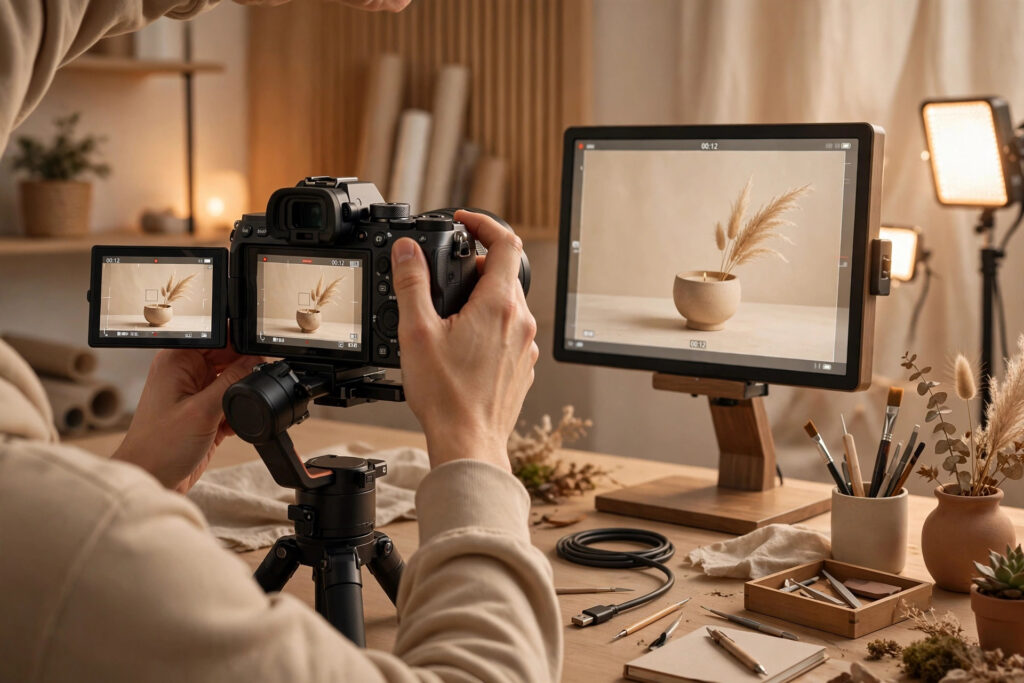
Why Faceless Videos Can Still Feel Personal
Personality on YouTube does not come only from facial expressions. It comes from your point of view, your voice, your choices, and the way you talk to your audience. A viewer can feel connected to a creator they have never seen if the creator sounds like a real person, shares honest experiences, and clearly cares about helping the viewer.
Think about the channels you enjoy that do not show a face. They often have a distinctive voice, a consistent style, and a clear way of explaining things. You can probably describe their personality even though you have never seen them. That is because personality lives in the words, the tone, the pacing, and the details, not only in the face.
Faceless videos also have practical advantages. They can be easier to produce consistently, because you do not need to set up cameras, lighting, and on-camera outfits for every video. They can also suit topics where the screen, the hands, or the process is the star of the video, such as tutorials, demonstrations, and explainers. The key is to use those advantages without letting the video feel empty or anonymous.
Let Your Voice Carry the Personality
In a faceless video, your voice does much of the work that your face would normally do. The way you speak tells viewers whether you are relaxed, enthusiastic, curious, or thoughtful. That means voice delivery deserves as much attention as your script.
Start by speaking the way you would speak to one interested person, not the way you think a presenter should sound. Read your script out loud before recording, and change any sentence that sounds stiff or unnatural when spoken. Short sentences, everyday words, and natural pauses will make your delivery sound more human.
Vary your pace and energy to match the content. Slow down for an important point or a key step. Speed up slightly when you are listing examples or building momentum. A flat, unchanging delivery makes even good content feel dull, while small changes in pace keep listeners engaged.
It also helps to record in a quiet space with a decent microphone. Clear audio matters more than a perfect camera setup for faceless videos, because the voice is the main connection between you and the viewer. If your audio is hard to hear or full of echo, viewers will leave no matter how good the visuals are. A simple, close microphone and a quiet room can make a big difference.
Use Your Own Stories and Opinions
The fastest way to make a faceless video feel personal is to include your own perspective. Generic information can come from anywhere. Your experiences, mistakes, and opinions are what make the video yours.
Share a brief story when it helps the viewer. You might describe a mistake you made when you were learning, a result you got from trying a technique, or a question a viewer asked that changed your approach. Keep the story short and tied to the lesson. A thirty-second story that illustrates a point is far more powerful than a five-minute anecdote that distracts from it.
Do not be afraid to have a clear point of view. If you prefer one method over another, say so and explain why. If a popular tip did not work for you, say that too, and explain what you tried instead. Viewers trust creators who are honest about what they know and what they are still figuring out. You do not need to pretend to have all the answers. You need to be genuinely helpful and honest about your experience.
Use the word “you” often. Talk directly to the viewer about their situation, their project, or their next step. A video that speaks to one viewer feels personal. A video that speaks to a vague audience feels like a lecture.
Make the Visuals Feel Human
Faceless does not have to mean impersonal visuals. The images on screen are your chance to show your world, your work, and your process. Choose visuals that feel specific and real rather than generic.
Hands-on footage is one of the strongest tools for faceless creators. Showing your hands working on a project, writing in a notebook, assembling a product, or preparing materials gives viewers something real to watch. It also proves that you are actually doing what you describe, which builds trust.
Screen recordings work well for tutorials and explainers, but keep them lively. Move the cursor with purpose, zoom in on important details, and highlight the step you are describing. A static screen with a long voiceover can feel slow, while a screen that moves with the narration feels guided and clear.
Simple graphics, text on screen, and short clips can add variety, but use them to support the message rather than decorate it. A label that names a tool, a list that summarizes the steps, or a side-by-side comparison that shows a before and after are all useful. A flood of stock footage and flashy effects, on the other hand, can make a video feel impersonal, because it hides the creator behind generic imagery.
Consistency also matters. A recognizable style of visuals, colors, and text helps viewers feel at home on your channel. Over time, that consistency becomes part of your channel’s personality, much like a familiar set or a signature introduction.
Build Connection Beyond the Video
Personality is not only built inside the video. It is also built in how you interact with viewers around it. Small touches outside the video can make a faceless channel feel surprisingly personal.
Start with comments. Reply to viewers in your own voice, answer their questions, and ask follow-up questions of your own. When viewers see that the creator reads and responds to comments, the channel stops feeling anonymous. Pin a comment that adds a useful tip, asks a question, or invites viewers to share their own experience.
Use the Community tab to share short updates, polls, and behind-the-scenes notes. A quick post about what you are working on, what you learned this week, or which video is coming next gives viewers a sense of an ongoing relationship with a real person. You can also use community posts to ask viewers what they want to learn next, which makes them feel part of the channel.
If your topic allows it, share small glimpses of your process: a photo of your desk setup, a note about a project you are testing, or a short story about something that went wrong. You do not need to reveal personal details you are uncomfortable sharing. A few honest glimpses are enough to remind viewers that a real person is behind the channel.
Pick Formats That Suit Faceless Creation
Some formats are naturally well suited to faceless videos. Tutorials and how-to guides work well because the viewer’s attention is on the steps, not the presenter. Commentary and explainer videos work well when you have a clear script and strong visuals. Storytelling and documentary-style videos can work beautifully with voiceover, footage, and graphics.
When you choose a format, think about what the viewer needs to see. If the video is about a physical skill, show the hands and the process. If it is about software, show the screen. If it is about an idea, use diagrams, examples, and clear visuals that help the viewer follow your thinking. Match the visuals to the lesson, and the video will feel purposeful rather than empty.
Keep your structure simple. Open with a clear promise of what the viewer will learn or experience. Deliver the main content in clear steps or sections. Close with a summary and a next step. A clear structure helps viewers follow along, and it makes your channel feel organized and reliable.
Common Faceless Video Mistakes to Avoid
One common mistake is relying entirely on generic stock footage and robotic narration. If every visual could belong to any channel and the voice could belong to anyone, the video will not stand out. Add your own footage, your own voice, and your own perspective, even in small amounts.
Another mistake is hiding your personality out of caution. Some faceless creators keep their scripts very formal because they feel exposed without a face on screen. In practice, the opposite works better. The more natural and conversational your script sounds, the more personal the video feels.
A third mistake is neglecting audio quality. In a faceless video, the voice carries the connection, so poor audio is especially damaging. Invest in a decent microphone, record in a quiet space, and listen back to your recordings before publishing. Clear, warm audio can make a simple video feel polished and personal.
Frequently Asked Questions
Can a faceless YouTube channel really grow?
Yes. Viewers subscribe because videos help, entertain, or inspire them, not only because they saw the creator’s face. A faceless channel with clear value, a distinctive voice, and consistent uploads can build a loyal audience, just like any other channel.
Do I need to use my real voice in faceless videos?
Using your own voice usually makes a faceless channel feel more personal, because your tone, pace, and phrasing carry your personality. Some creators use text-to-speech or a hired voice, but that can make the channel feel less connected to a real person. If you are comfortable speaking, your own voice is a strong advantage.
What equipment do I need for faceless YouTube videos?
It depends on your format. Many faceless creators start with a decent microphone, a phone or camera for hands-on footage, and screen recording software for tutorials. Clear audio and good lighting for any footage you shoot matter more than expensive gear.
How do I make faceless videos feel less boring?
Keep the pacing lively, vary the visuals, speak conversationally, and include your own stories and opinions. Show real footage of your process whenever you can, and cut anything that does not serve the viewer. A focused video with clear visuals and a natural voice rarely feels boring.
What to Do Next
Faceless does not mean impersonal. Choose a format that fits your topic, write a conversational script, record clear audio, and include your own stories, opinions, and real footage. Then publish the video, reply to comments in your own voice, and keep refining your style with each upload.
If you want help building a channel that grows steadily, explore our YouTube growth services, browse more practical guides in the YouTube articles library, or contact us to discuss your channel. You can also review the full range of services we offer to creators who want structured, sustainable growth.