
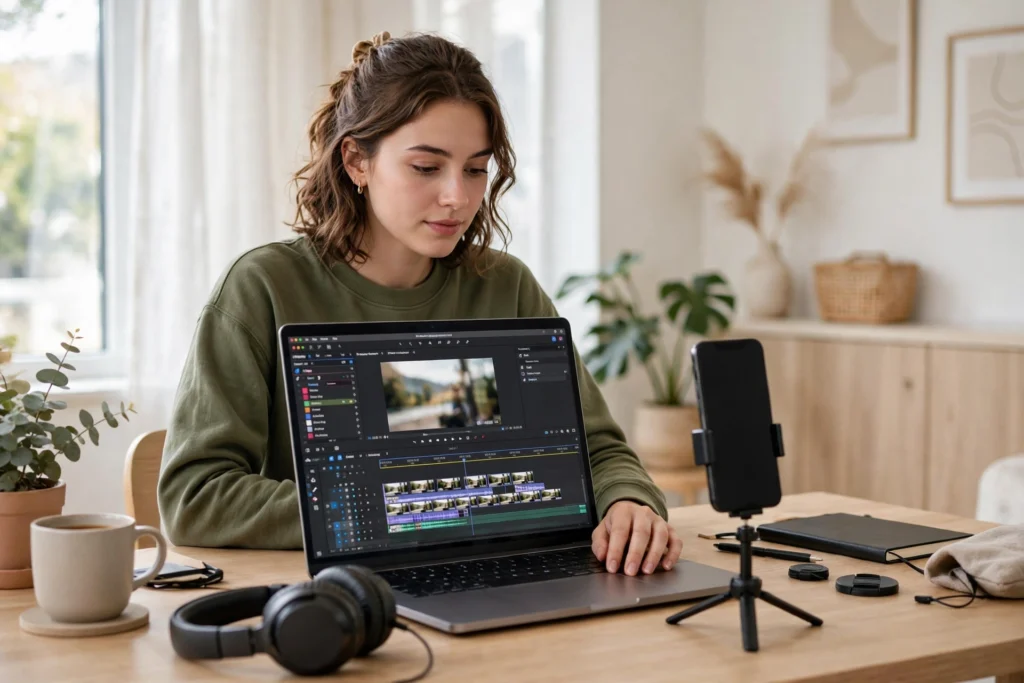
Most people leave a TikTok video in the first few seconds, not because the idea was bad, but because the edit did not give them a reason to stay. Retention is simply the share of a video that viewers actually watch. When viewers stay, TikTok gets a clear signal that the video held attention, and that signal matters more than a clever effect or a perfect camera. The good news is that retention is largely a craft skill. It comes from choices you make in the edit: what you cut, when you move, what the viewer reads, and what they hear.
This guide walks through a practical way to edit for retention. You do not need expensive software or a complicated setup. You need a clear sense of what the video is about, respect for the viewer’s time, and a repeatable process you can use on every post. The ideas below work for talking-head videos, screen recordings, tutorials, vlogs, and story-driven clips, because they all face the same challenge: earning the next second.
Cut Everything That Does Not Earn Its Place
Editing for retention starts with removal. Watch your raw clip once without touching anything, and notice where your own attention drifts. Those are usually the same places a stranger will swipe away. Long pauses, repeated points, throat-clearing, slow walks to the point, and filler words all cost attention. Cut them without apology. A shorter video that feels alive will almost always outperform a longer video that feels patient.
Start the video as close to the interesting moment as you can. You do not need a long greeting, a recap of yesterday, or a slow build-up unless that build-up is itself interesting. If the first line is a promise, make it a specific one. Instead of saying you have something exciting to share, say what the viewer will learn, see, or decide by the end. Then deliver on that promise quickly.
Cutting is not only about the start. Go through the middle and ask the same question of every sentence and every shot: does this move the video forward, explain something, or add feeling? If it does none of those, it can go. Say the point once, clearly, and move on. If a sentence needs three examples, keep the strongest one. If a story needs background, keep only the detail that changes what happens next. Tight editing is not rushing. It is leaving room for the parts that deserve attention.
Pace the Video Around One Clear Beat
Every retained video has a beat, a rhythm that tells the viewer when something new is coming. Pacing does not mean cutting every half second. It means avoiding long stretches where nothing changes. A change can be a new camera angle, a cut to a screen, a text line appearing, a sound shifting, or a new step in the explanation. When the viewer senses steady forward motion, they keep watching to see where it leads.
A useful way to think about pacing is to give each section one job. The opening earns attention. The middle delivers the steps, the story, or the evidence. The ending gives the viewer a reason to act, rewatch, or return. If a section grows too long, split it into smaller beats. For example, a tutorial can move from one step to the next with a short pause, a caption change, or a visual switch. A story can move from setup to turning point to outcome without lingering on any single moment longer than it needs.
Pay attention to your own energy as you edit. If you sound tired in a section, the pacing may be hiding a weak point. You can tighten the cut, reorder two points so the stronger one comes first, or add a visual that supports the words. Silence can also be a pacing tool when it is intentional. A brief pause before an important line can make that line land harder. The difference is intention. Accidental dead air feels like a mistake. A chosen pause feels like emphasis.
Make Captions That Carry the Video
Many people watch TikTok with sound off at first, in a quiet room, on a commute, or while someone else is nearby. Captions are not decoration. They are a second track that carries the video when sound cannot. Good captions are large enough to read without effort, placed where they do not cover your face or the important action, and timed to match the words being spoken. When captions lag behind the audio, the video feels careless. When they move in step with the words, the video feels professional even on a phone screen.
Use captions to highlight structure, not to repeat every word in the same weight. A keyword, a number, or a short phrase on screen can help the viewer follow along. If you are listing steps, show the step number. If you are making a comparison, show the two sides. If you are quoting a short line, let that line sit on screen long enough to read. Avoid walls of text. Two or three short lines at a time are easier to follow than a full paragraph squeezed into the frame.
Colour and style should support reading, not compete with it. A simple high-contrast style works in more situations than a busy animated font. Keep the same style across your videos so viewers recognise your work and do not have to relearn how to read it. If you use emojis or icons, use them sparingly and with a clear purpose, such as marking a new step or drawing attention to a warning. The goal is clarity. If a caption makes the viewer work harder, it is hurting retention rather than helping it.
Use Sound as a Retention Tool
Sound shapes how long a video feels. Clear speech is the foundation. If viewers have to strain to hear you, they will leave, however good the idea is. Record in a quiet place when you can, keep the microphone close, and in the edit, bring your voice forward so it sits above music and effects. A short piece of room noise at the start or end is easy to trim, and a sudden change in volume is a fast way to lose trust.
Music should support the mood without fighting the words. Choose a track that fits the energy of the video and keep it low under speech. If the music has lyrics, it will often compete with what you are saying, so instrumental beds usually work better for teaching or storytelling. You can lift the music slightly during a transition, a montage, or a pause, then bring it back down when you start talking again. That small movement keeps the ear engaged without becoming a distraction.
Add Pattern Interrupts That Serve the Video
A pattern interrupt is a small change that wakes attention back up: a zoom, a cut to b-roll, a new angle, a sound cue, or a text pop. They work best when they match the moment. Use a zoom to stress a key line, a cutaway to show what you mean, and a sound cue to mark a shift. If every second is an effect, nothing stands out and the video feels noisy. If a long section feels flat, one well-placed change is often enough.
Edit the Ending So Viewers Stay or Return
Do not let a good video fade out. End with a clear payoff: the result, the lesson, or the next step. Then stop. A long outro, a repeated goodbye, or a slow credits roll gives viewers a reason to leave before the end, which weakens the whole video. If you want viewers to return, end with something they will remember, a useful summary, a short loop back to the opening idea, or a calm invitation to follow for the next part.
A Practical Editing Workflow
Use the same order each time so you do not waste effort polishing a section you later cut. First, rough-cut the story and remove the obvious dead weight. Second, tighten the pacing and check that each section has one job. Third, add captions and check them on a phone screen. Fourth, balance sound, music, and effects. Fifth, watch the whole video once as a stranger would, note where you want to leave, and fix only those moments. Save and export only after that final watch.
Frequently Asked Questions
How long should a TikTok video be for good retention?
There is no single ideal length. A video should last as long as it needs to deliver its promise clearly, and no longer. A tight short video often holds attention better than a long video with slow sections.
Should I add captions to every TikTok video?
Yes, in most cases. Captions help viewers who watch without sound, make the structure easier to follow, and make your videos easier to rewatch and share.
Do fast cuts always improve retention?
No. Fast cuts help when they remove dead weight or mark a real change. Constant cutting without a reason can feel frantic and make viewers tired, so match the pace to the topic.
What is the most common editing mistake?
Leaving in a slow opening. If the first few seconds do not make the point clear, many viewers will leave before the best part arrives.
What to Do Next
Pick one video you have already filmed and re-edit it using this process: cut the opening, tighten the middle, add clear captions, and give it a clean ending. Then explore more guides in our articles, see our TikTok growth hub, look at our services, or contact us if you want help planning your next videos.